 InvoiceTap
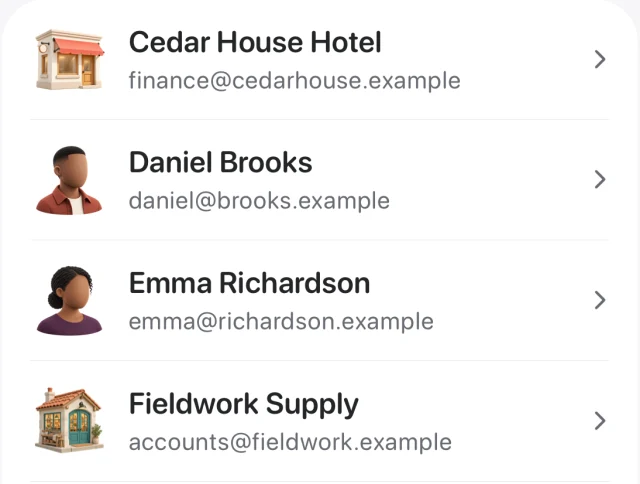
Saved clients
Find a customer, see their invoice and estimate history, and bring their details into the next job.
Add labour and materials, then share a PDF invoice with your client straight from your iPhone.
Coming soon for iPhone

From the job to the PDF
A tap replacement takes 2.5 hours and a $95 fitting. With work and materials on separate lines, the total speaks for itself.
Invoice example
INV-1032
| Description | Amount |
|---|---|
| Replacement labour2.5 hours × $60 | $150.00 |
| Mixer tap and fitting1 × $95 | $95.00 |
| Subtotal | $245.00 |
Sample invoice in USD, before tax or discounts.
Tools for repeat work
Find a customer, see their invoice and estimate history, and bring their details into the next job.
Save your regular services and materials so descriptions, units and prices are ready to reuse.
Set out the scope and price, then convert the estimate into an invoice when the job is ready to bill.
Record full or partial payments and see the balance still due on each invoice.
The InvoiceTap field guide
Common questions
InvoiceTap is coming soon for iPhone. You can use the sample invoices and checklists in our invoicing guides today.
Yes. Every line has its own description, quantity, unit and price, so hours and materials can sit on the same invoice.
Enter the hours you worked and choose an hourly rate. InvoiceTap calculates the line total from the time you enter.
Saving a draft keeps it available to edit or preview as a PDF. You issue the invoice when it’s ready to share.